
Subscribe
Crooked Crosshair
Last edited on 24 September 2019 - 06:45 PM by NevilsicoShard
I just got an update from Badlion and I started it up to test my resource pack in single player world, I got in and saw my Badlion crosshair was crooked and when I moved my mouse it crashed. So I restarted Badlion and got back to world. It did not crash but my cursor was still crooked. I mention to detail that before crashes the badlion crosshair was crooked. I'm not sure what to do and I messed around with some graphic settings. Here is screenshot:https://i.badlion.net/zCPKWkQRuxwP7kJndazdSk.png
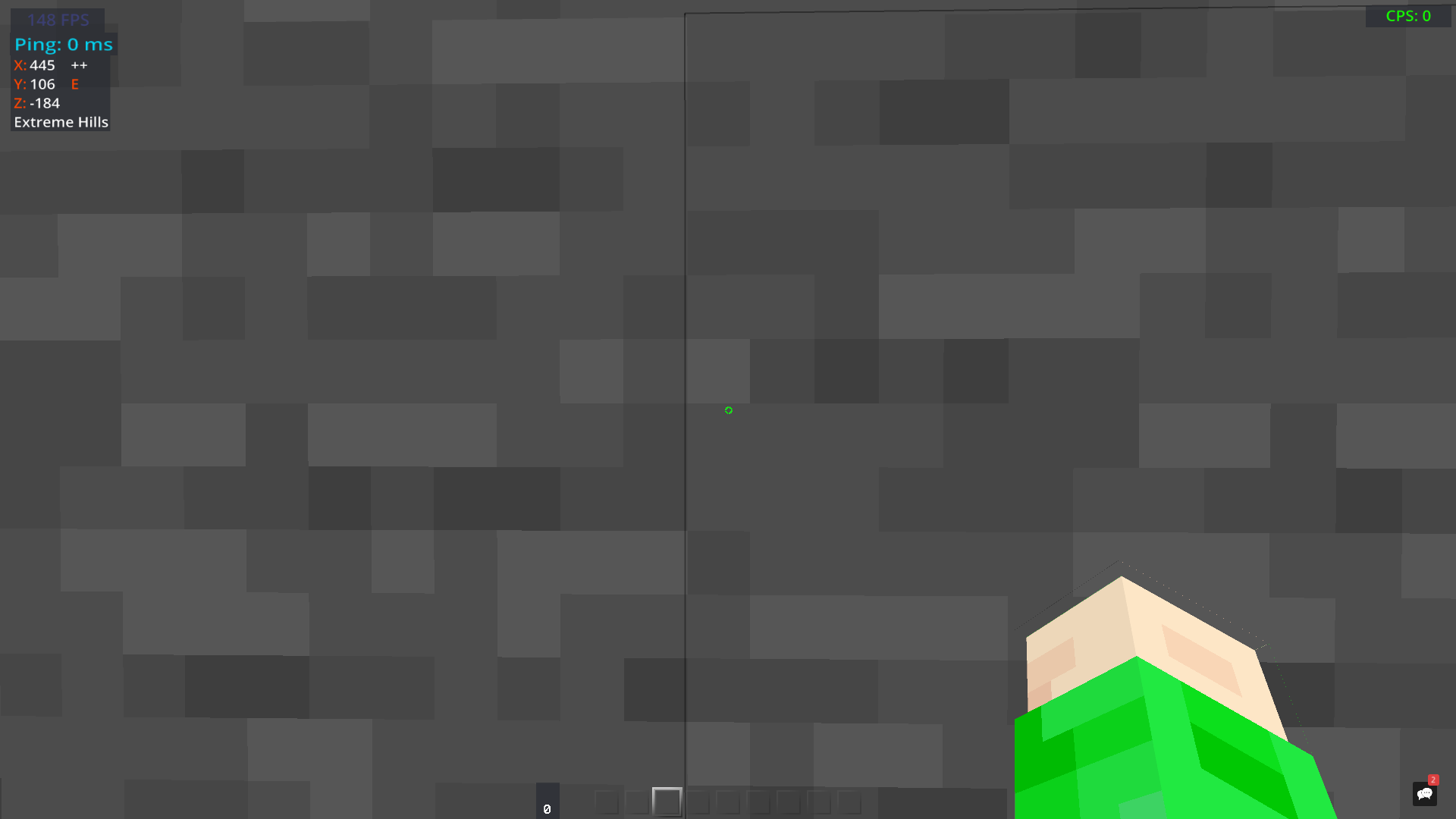
Sorry if I made this thread badly, first thread. Please and thank you.
Edit: Asked friends who also used badlion, it apepars to be similar to them as well. Forgot to mention it was different before (if that wasn't obvious) I'm not sure if it's supposed to be like that, I wouldn't think so but I don't know.
Last edited on 24 September 2019 - 08:20 PM by flameless
Hi! Can you please navigate to the Programs and Features area of the Windows Settings, and uninstall Badlion from there. You can then reinstall it from client.badlion.net . If this doesn't fix your issue, notify me :). You can also change crosshair settings and see if any of those work for you however the first option is more of a general fix.- flameless
Posted on 24 September 2019 - 10:16 PM
I believe I was planning to reinstall but I got off the computer some time ago. Now that I think of it, I should have reinstalled it before creating a thread… My bad, hah. Kind of a logical thing to do first before anything to not waste time.Anyways, I will attempt this Thursday as I won't be able to Wednesday, I appreciate the help even with my lack of enough intelligence to reinstall first. I will get back to you then. Once again, my apologies, thanks, and have a good day/night.
Posted on 26 September 2019 - 03:21 PM
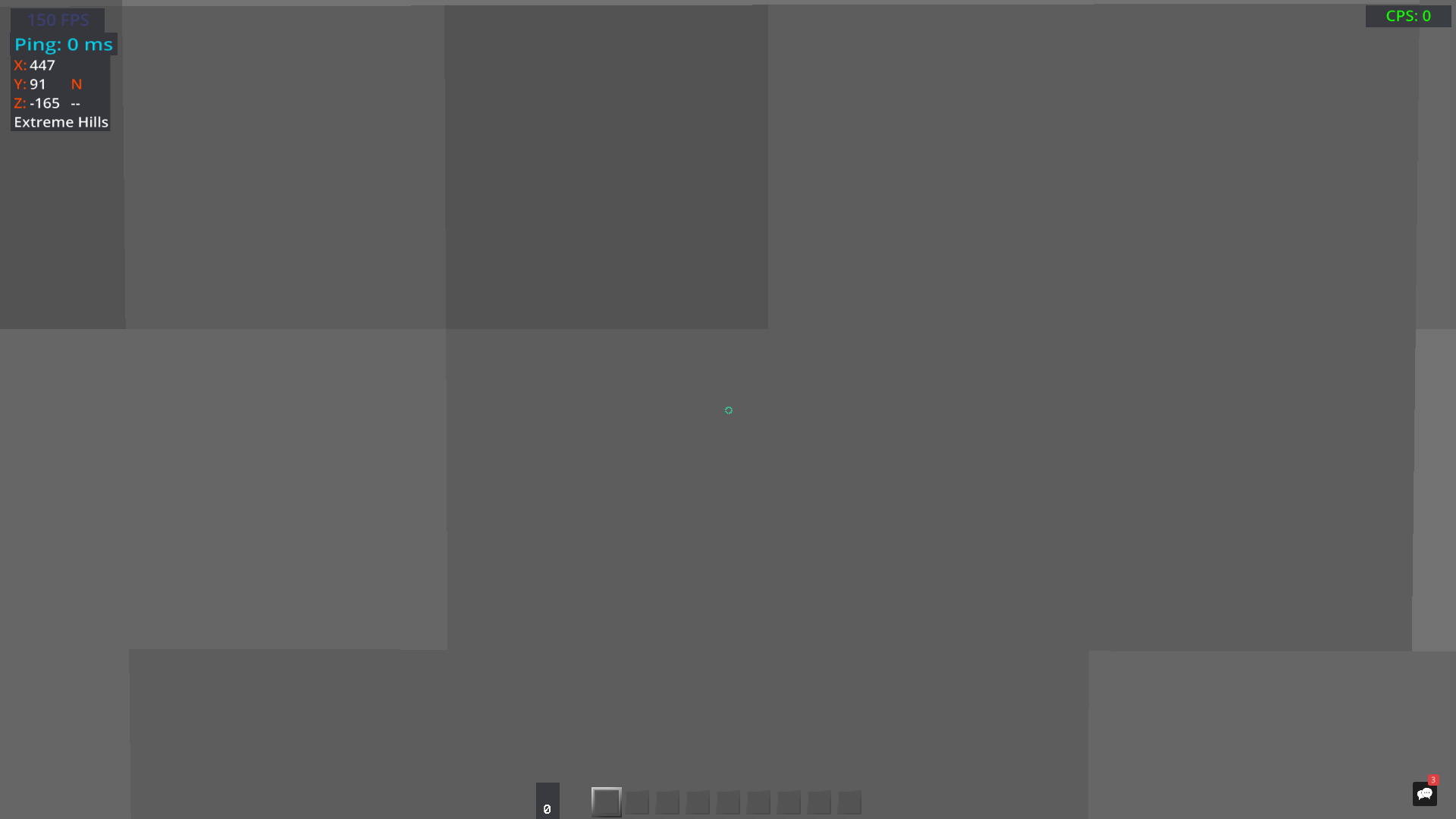
I have reinstalled Badlion and the cursor still persists. Not sure what other details you require.New screenshot taken today
https://i.badlion.net/mZRyCxvhLQ5PCENAHMmdp3.png
Posted on 26 September 2019 - 05:20 PM
Uh I have no idea what I did, I didn't reinstall badlion again… but it's fixed now, I appreciate the help, thank you.