
Subscribe
Badlion Client feedback
Posted on 20 April 2020 - 02:29 AM
Connecting glass wont work and im using optifine RN But still nothing its a much better lookPosted on 20 April 2020 - 06:00 PM
Hello,Could you elaborate, please?
Are you trying to toggle the clear glass? If so, it can be found in Badlion Client graphics settings.
Posted on 21 April 2020 - 06:55 AM
Sorry but i cant find itPosted on 21 April 2020 - 10:43 AM
If you actually meant connected textures, it can be enabled in Minecraft quality settings (Options -> Video Settings -> Quality).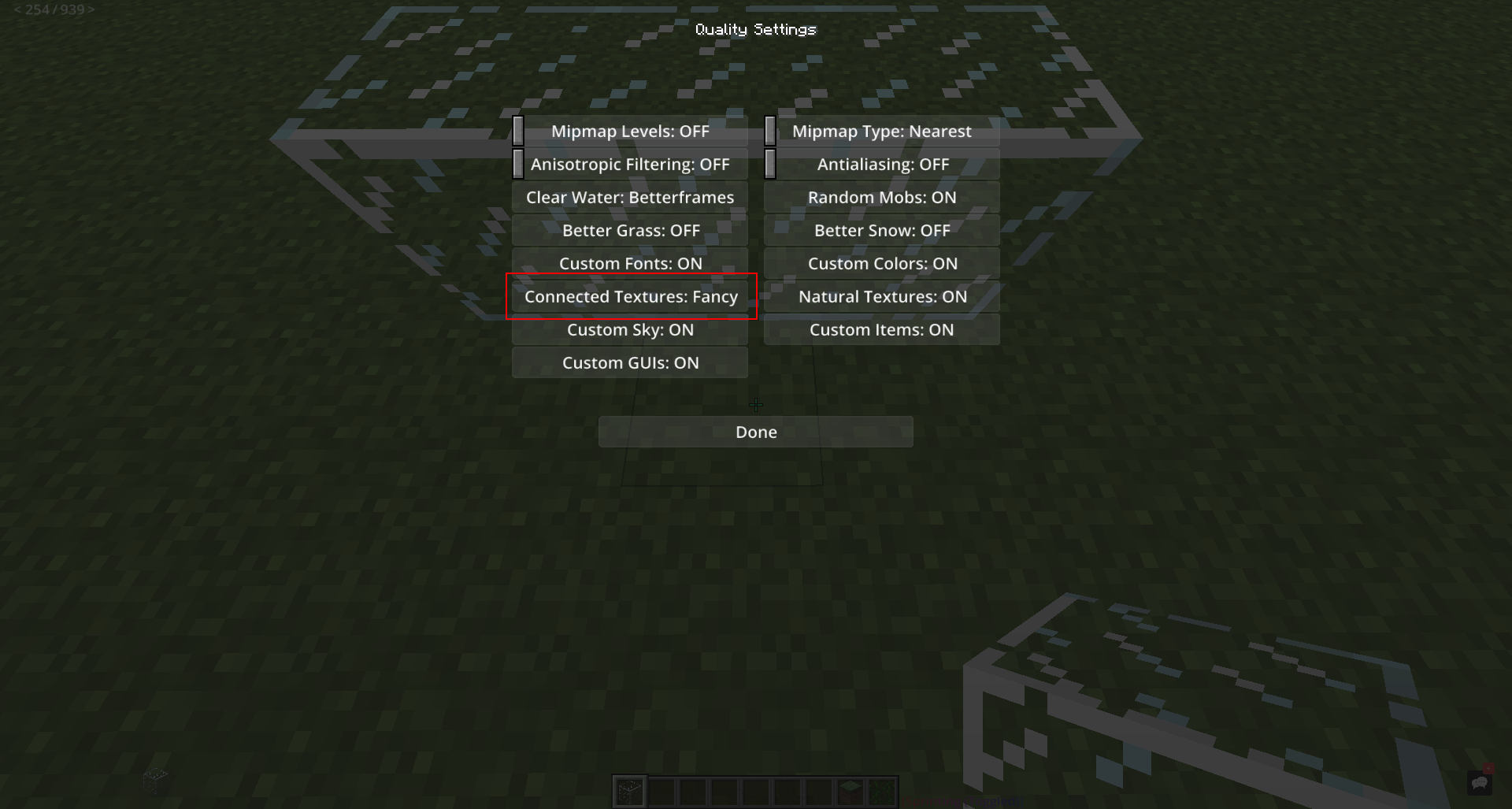
If you want to make glass clear, press ESC, click on Badlion Client Settings, click on GRAPHICS, find Clear Glass and toggle it.
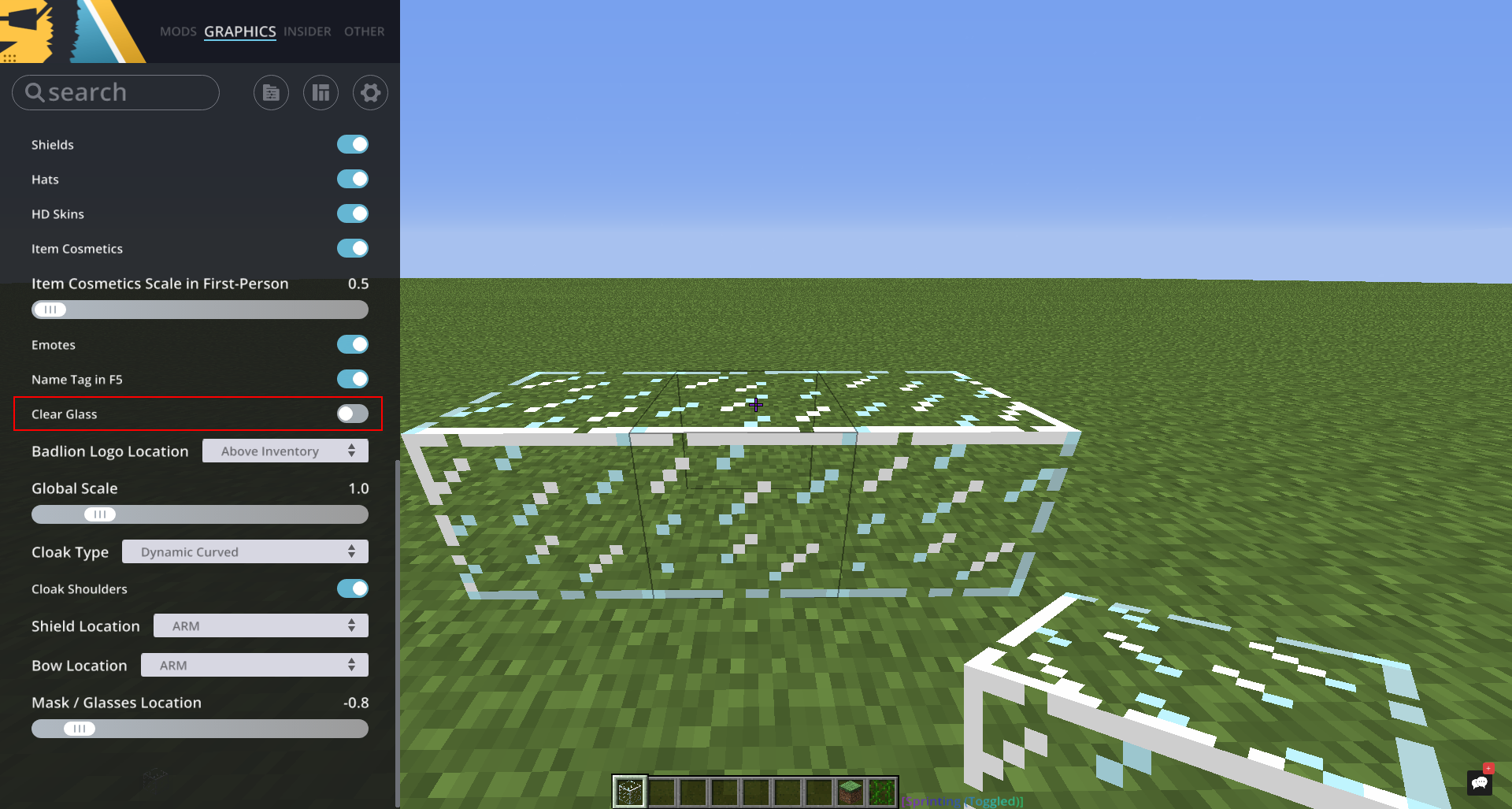
Not sure what you meant by "connecting glass".
Posted on 21 April 2020 - 04:36 PM
Tysm