
Subscribe
The schematica is broken
Posted on 12 February 2022 - 01:30 AM
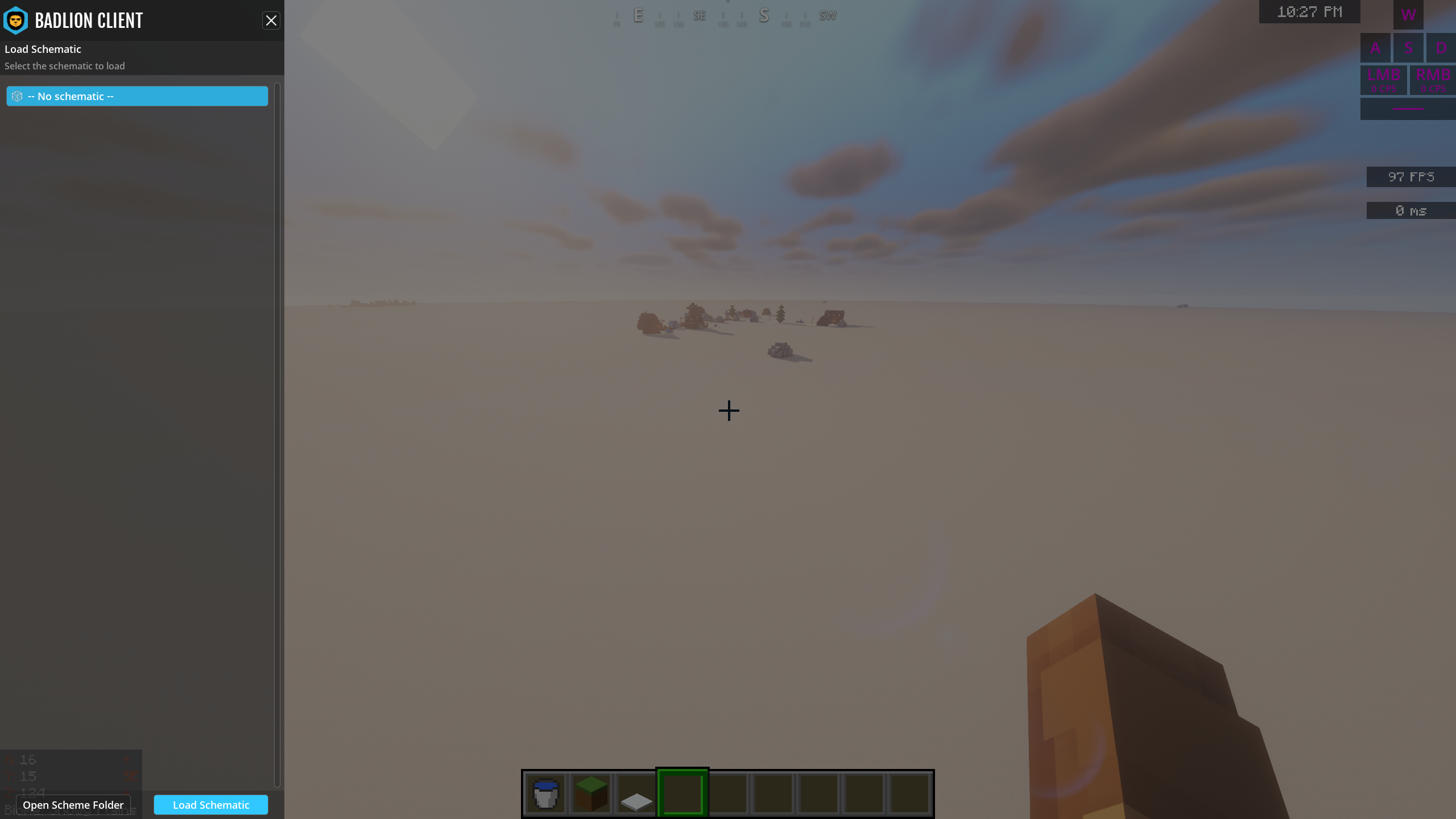
So, I tried to load my schematica build file into Minecraft by pressing my key, but it shows thishttps://i.badlion.net/4E8VA8dV5gVfJdjTDmPmbM.png What do I do? Since It's already downloaded.
Posted on 12 February 2022 - 02:34 AM
Hi @Velgoth,you have to press "Open Scheme Folder", this will open the folder where all schematic files are stored in. Now just drag the schematic file you downloaded into it and voilà! (You might have to restart your client)
Sincerely,
illuminator3
Posted on 12 February 2022 - 02:52 AM
How do i restart?do i just disconnect or reinstall the client because i dont know how to do.
good night
Posted on 12 February 2022 - 03:00 AM
Hi @Velgoth,restarting is basically closing your game and then launching it again.
Sincerely,
illuminator3
Posted on 12 February 2022 - 07:15 PM
I did once it didn't work.Posted on 13 February 2022 - 04:52 AM
Hello,Make sure that your schematic has a .schematic file extension. If not, there are online converters to change it from .schem to .schematic.
Sincerely,
Tuurtleee
Thread is locked