Sign up
Login
Store
Players Online: 2.5k
Info
Rules
Staff
Discord
Support
Suggestions
Forums
Client
Pack Display
Pack Display
The Pack Display mod will show the current texture pack you're using with its name on the screen.
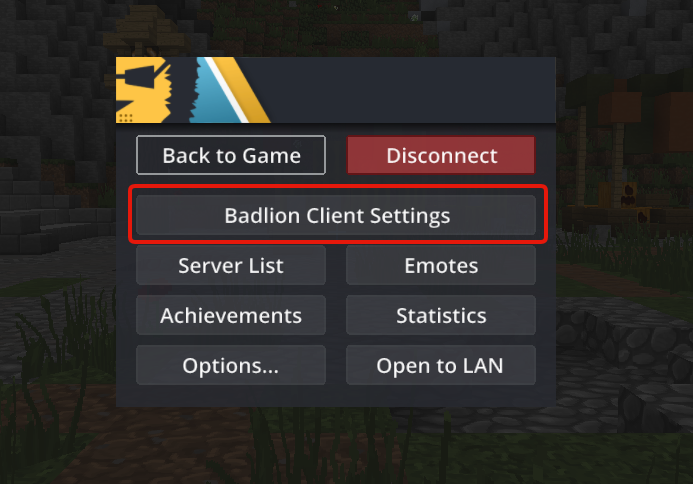
How to enable Pack Display.
Click esc to Open the Badlion Mod Slideout
Search for “Pack Display” (be sure to have it enabled like in the picture)
How to use Pack Display
Enable/Disable the pack icon on the screen.
Choose a color for the background.
Modify the pack name font size as you like.