We are not responsible for any changes you make to your system, and this guide is to help users who want to update their drivers. Do at your own risk.If you have been redirected to this page, that means your audio drivers are out of date and they are causing your game to crash. You have 2 ways to update them:
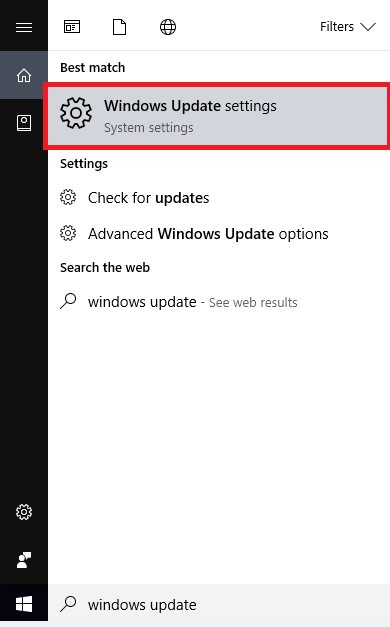
Update drivers using Windows UpdateOpen the Start menu and search for "Windows Update"
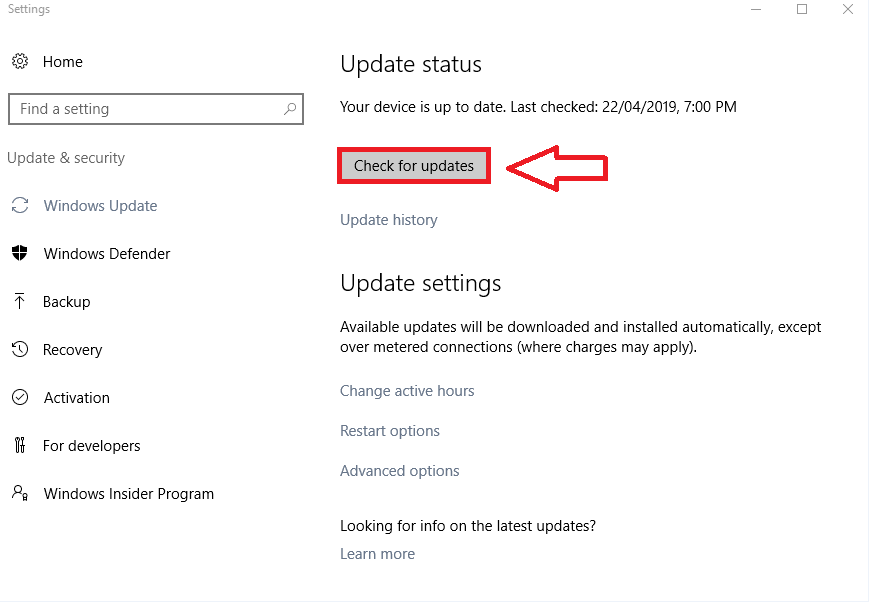
Click on the "Check for updates" button
 Update drivers using Device Manager
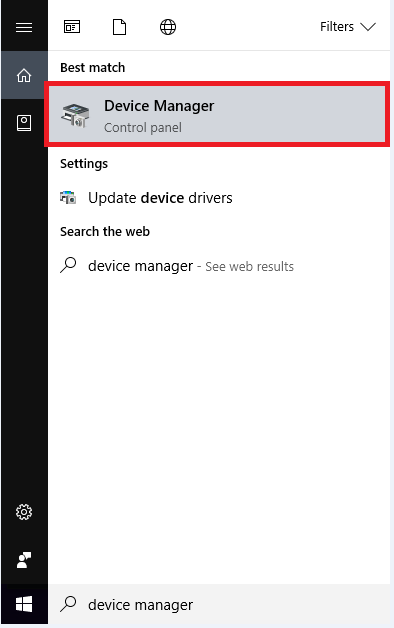
Open the Start menu and search for "Device Manager"
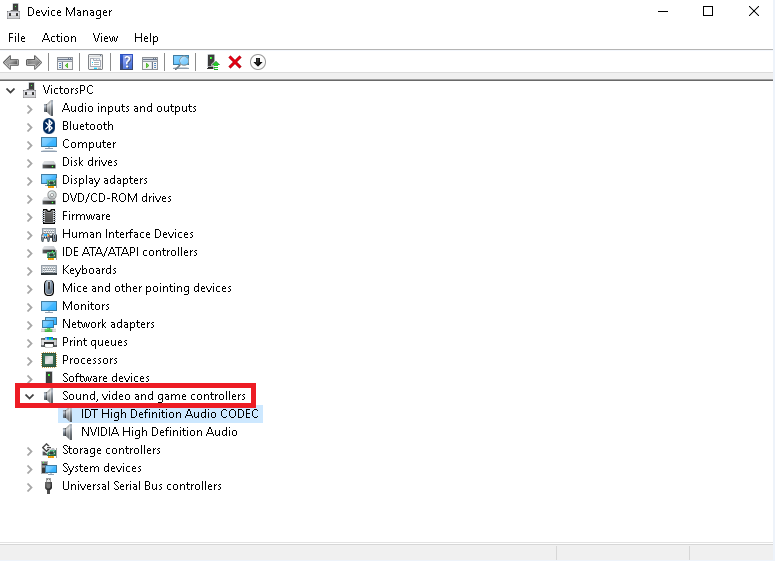
Click on "Sound, video and game controllers"
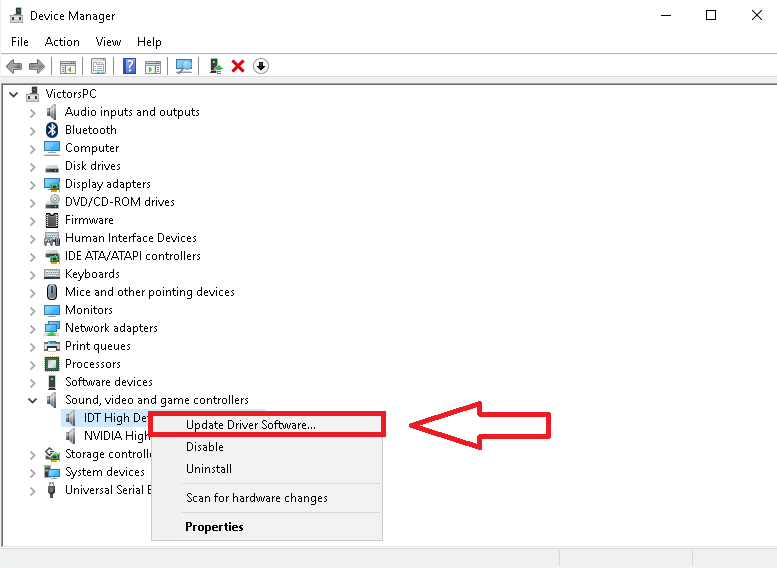
Right click the device and click on "Update Driver Software"
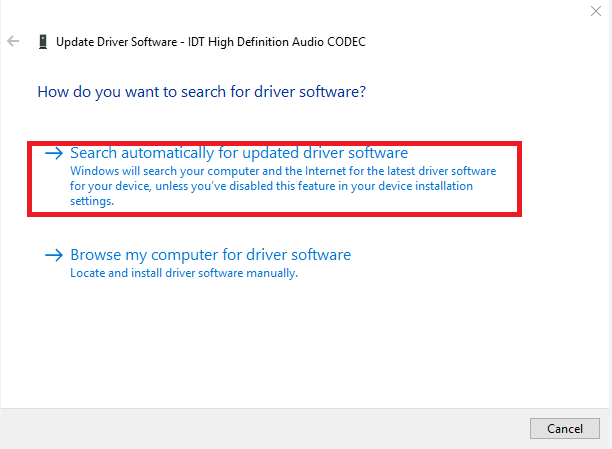
Click on "Search automatically for updated driver software"