
Subscribe
Schematica Printer
Posted on 16 July 2019 - 12:52 AM
How to I get printer to work on servers?Last edited on 16 July 2019 - 02:01 AM by zeggs
Hello, thank you for your patience,First, start off by checking if the server allows the Schematica mod, if not, you may be punished for using this modification. You can most likely check by typing /rules
Second, the actual functionality of the mod, you want to import your schematic, to do this, press the "/" key on your keypad. At the bottom right, it will show a button that says, "open schematic folder" click on that, and import your .schematic file.
Third, select the file in the same menu, then click done, you may now see the outline of the object, the best settings for a schematic-enabled server is the fastest, you can find the placement settings in the Badlion mod menu.
Fourth, to start placing blocks, go to the "-" menu and turn the printer on, here you can also move the schematic.
Fifth, you have to place all the blocks for the schematic to go away. Or, you can go into the "-" menu and click "unload"
Thank you for asking :D
- Zeggs
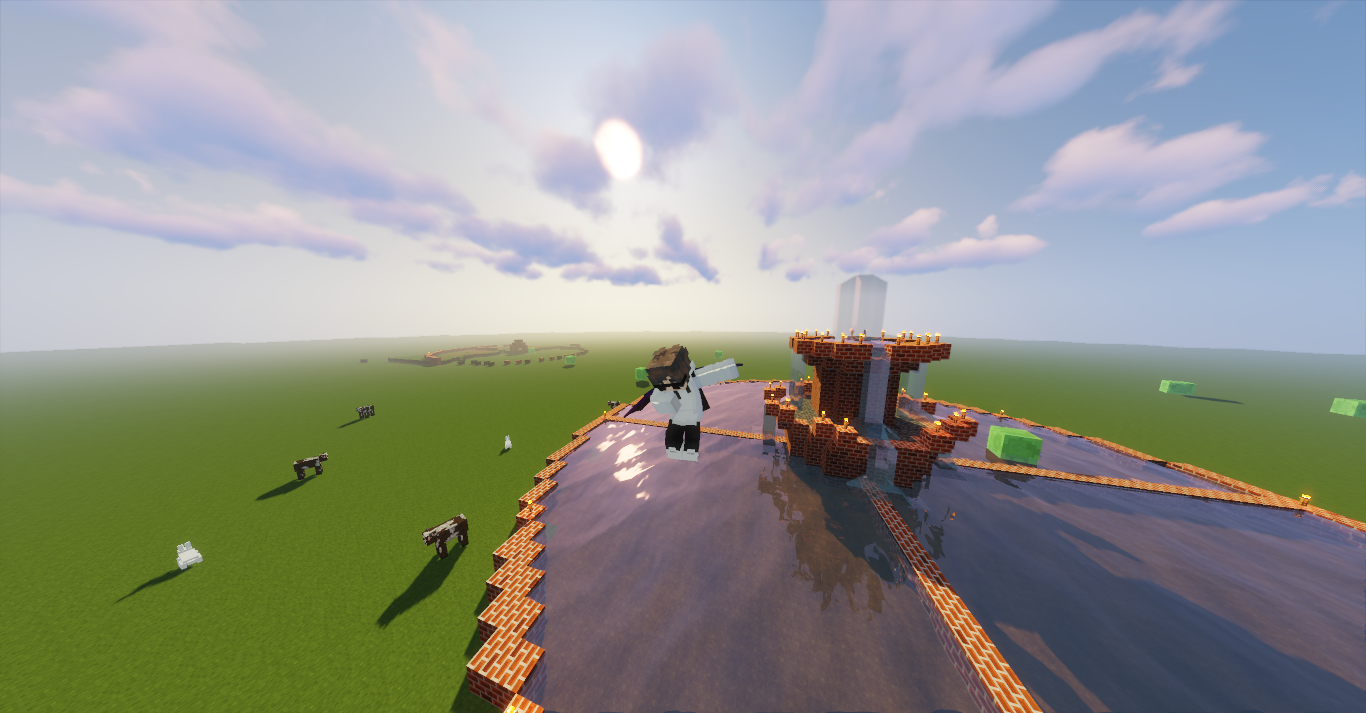
-btw, here's a picture of what I did with the mod ;)
https://i.badlion.net/89REbGXrZMzeRoeP89fiY2.png
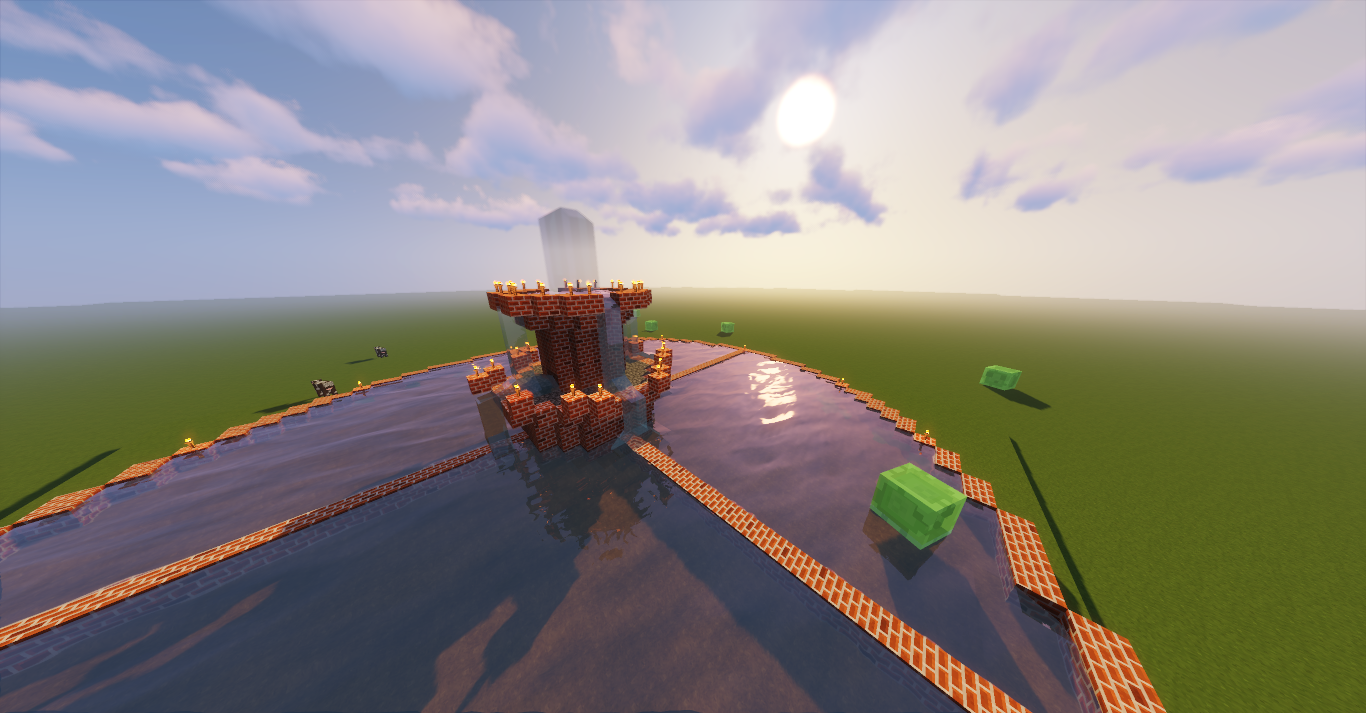
https://i.badlion.net/SNrwMNnz4himMWEpHdMH2X.png
Posted on 20 July 2019 - 09:35 PM
Any updates?