
Subscribe
How do I change chat settings with Badlion
Posted on 22 December 2019 - 06:52 PM
I tried to change chat settings with the Badlion client installed. I am using version 1.8.9 and all settings do not affect how chat looks.Posted on 22 December 2019 - 08:35 PM
press the button of 3 dots on the right top corner of your chatPosted on 22 December 2019 - 11:52 PM
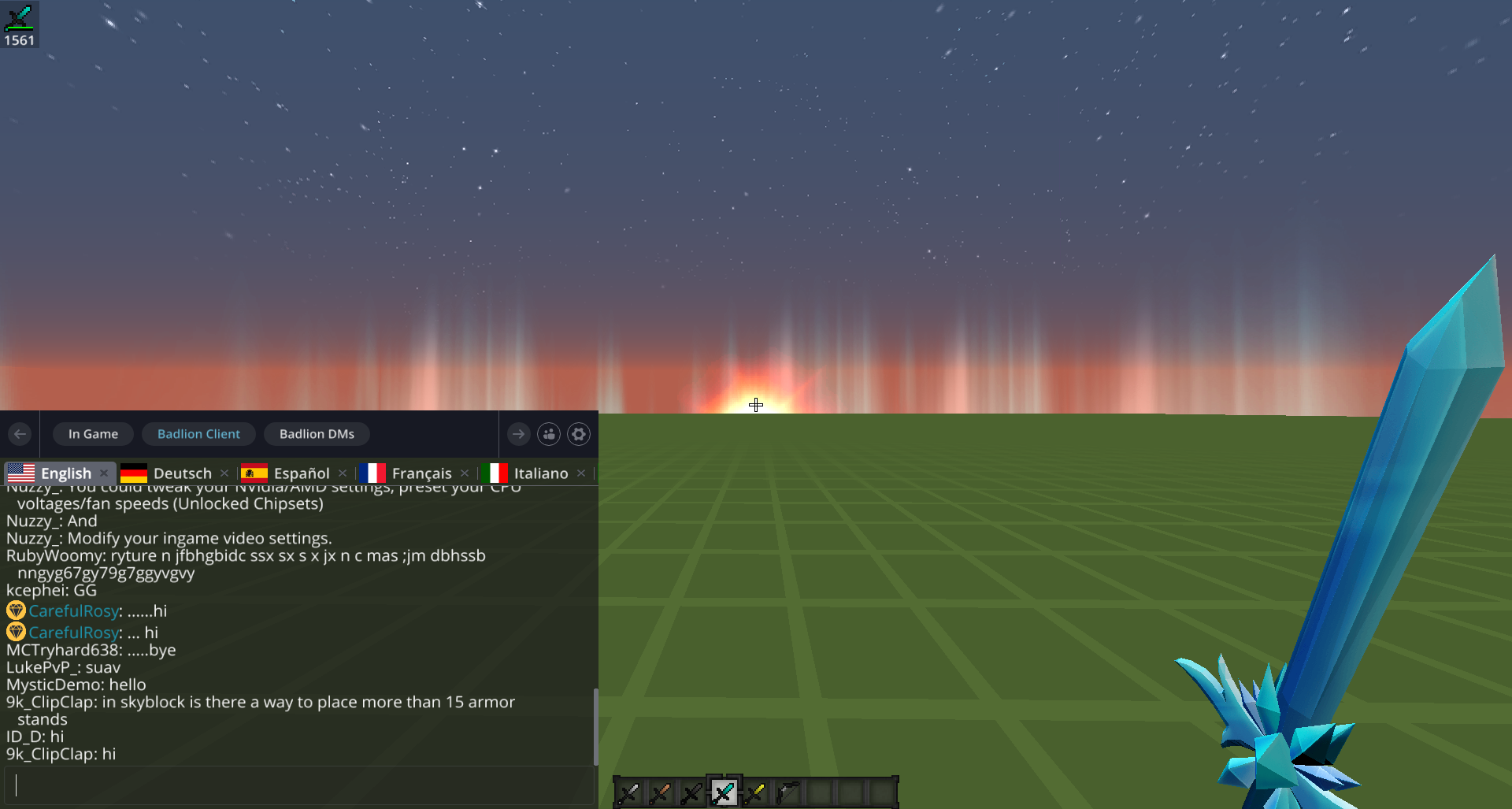
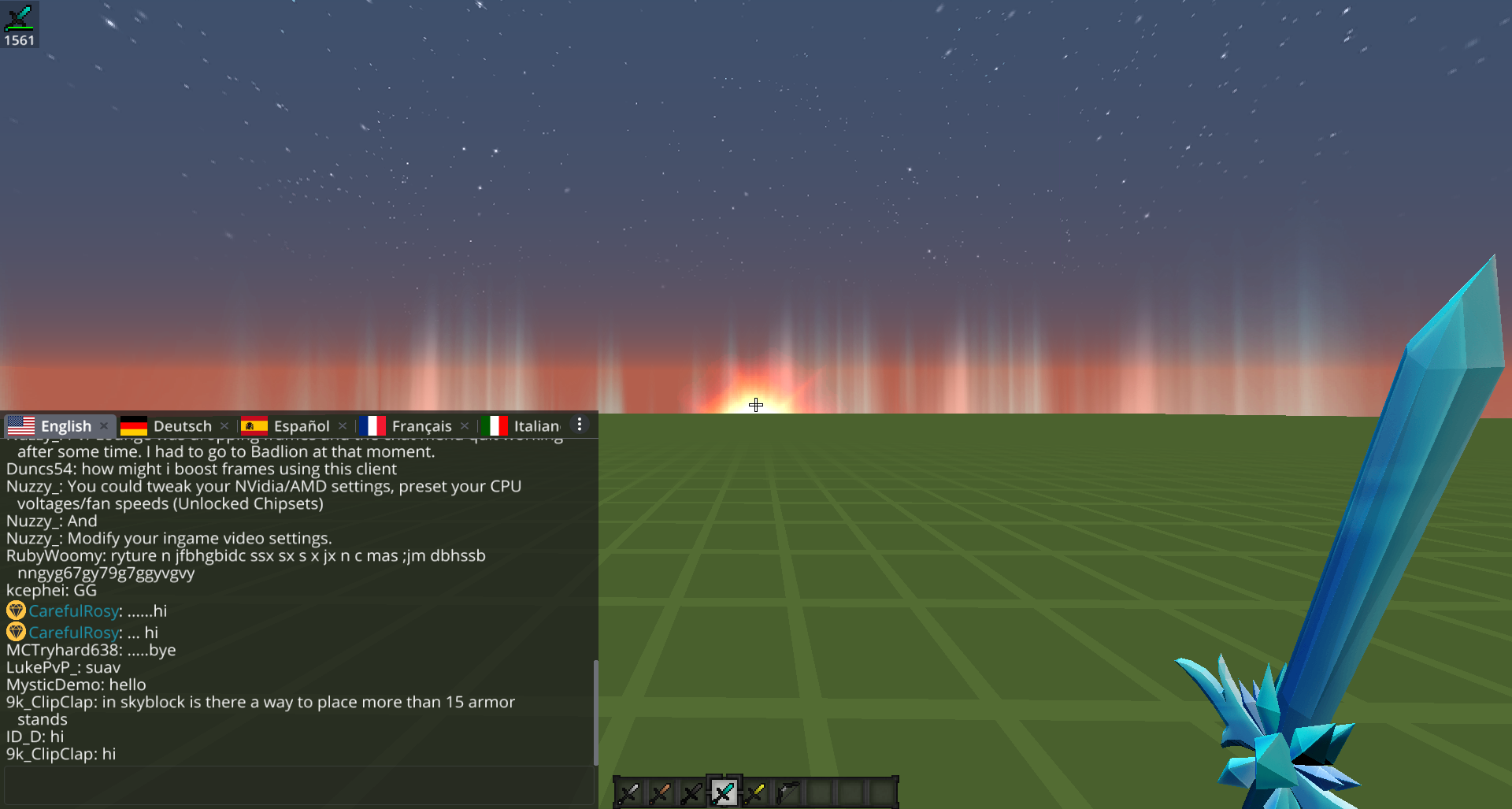
Hello,There are two New chat designs which you can change in the chat settings (click on the 3-dot button, then click on Settings).
1:
2:
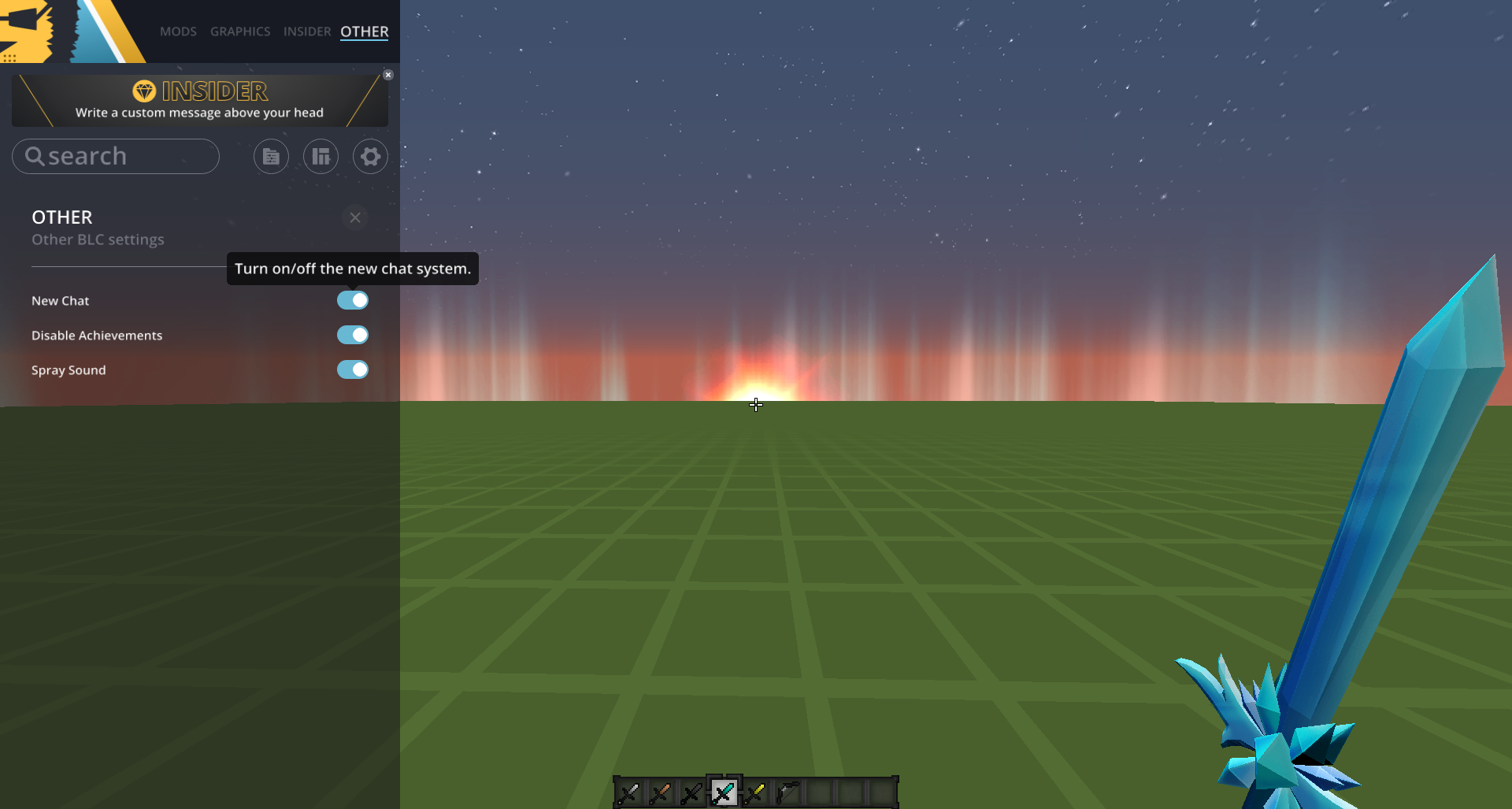
If you want to use the old/Vanilla Minecraft chat, press RIGHT SHIFT, then click on OTHER (it is located at the top), then disable "New Chat".
Best regards,
~UnknownFact (Badlion Client Moderator)