
Subscribe
Blocks glitch
Posted on 13 January 2020 - 02:32 PM
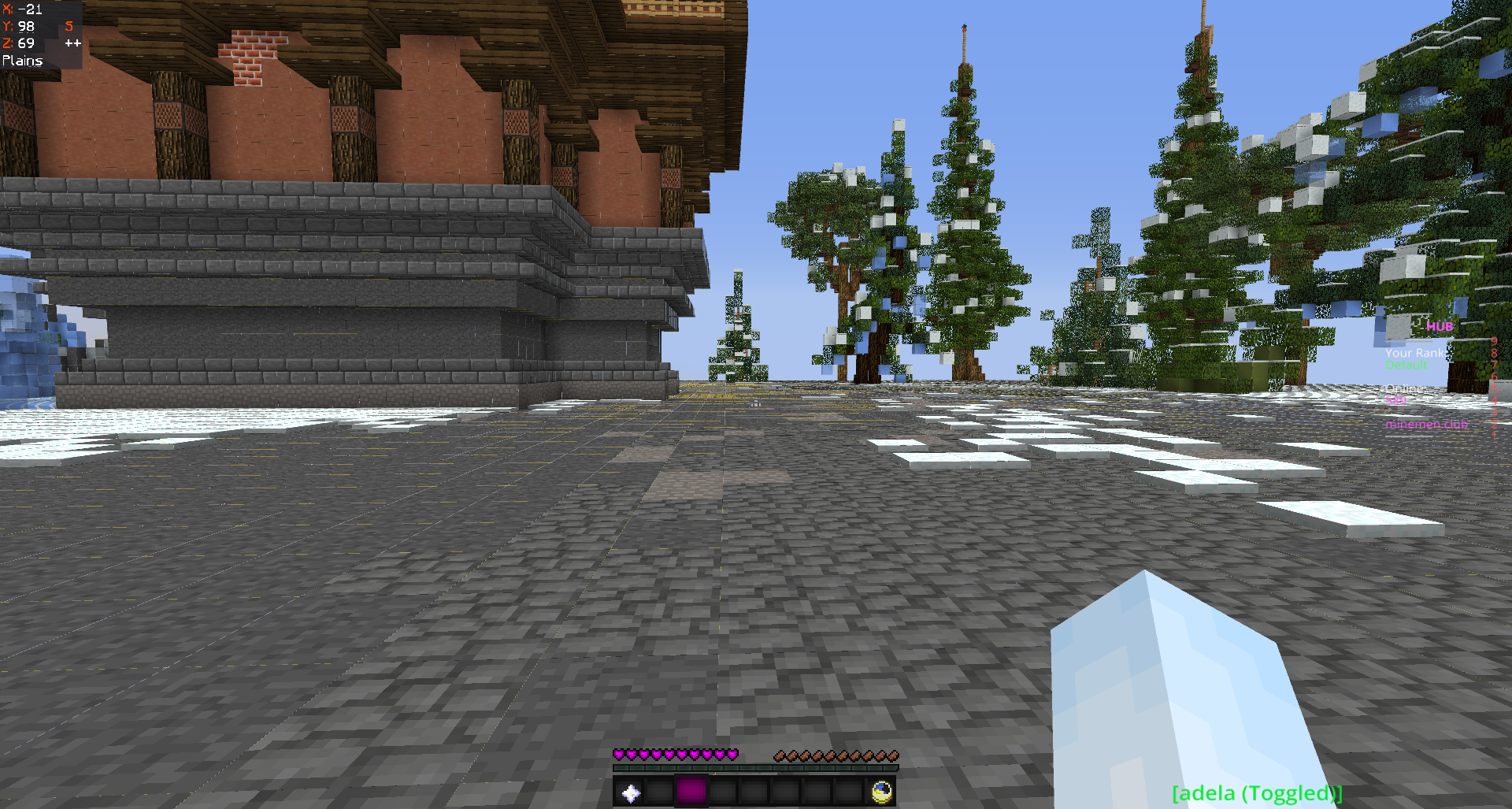
can somebody fix this with blocks pls <3https://i.badlion.net/CfrcG3CZht7VveZjNsyxD5.png
Posted on 13 January 2020 - 02:50 PM
Hello,This is not a Badlion Client's bug. It's your graphics driver settings issue.
If you have NVIDIA graphics, open up your NVIDIA control panel. Click on "Adjust Image Settings with preview". Select "Let the 3D application decide" and hit apply. Relaunch Minecraft.
Last edited on 13 January 2020 - 02:51 PM by CCNicohl
Make sure your graphics drivers are updated to their latest version.Disable Fast Render
Enable Natural Textures
Mipmap Levels = 4
Enable Anisotropic Filtering
Posted on 14 January 2020 - 09:39 AM
kvcs ty it helped me :)