
Posted on 19 March 2020 - 09:57 AM
so apparently a way to make my badlion work again is to delete my "BLC profiles" so i assume BLC means badlion client so i want to know how to delete my badlion client profiles.thanksPosted on 19 March 2020 - 10:22 AM
Hello,Mod profiles are located in your .minecraft folder (~\.minecraft\BLClient-Mod-Profiles).
Also, what issue are you getting and why do you think it requires mod profiles to be deleted?
Posted on 19 March 2020 - 11:02 AM
Someone in my guild said that it would fix it and it fixed it for him so i wanted to give it a try just incasePosted on 19 March 2020 - 11:16 AM
and the mc version thing doesn't have a versionPosted on 19 March 2020 - 01:02 PM
What do you mean by the mc version thing? The one you can use to select versions before launching the game?If that is what you made this thread about, then try ending process through the Task Manager. If that doesn't help, then submit a bug report through the launcher (https://www.badlion.net/wiki/how-to-submit-bug-reports).
Posted on 20 March 2020 - 07:45 AM
do you know how to fully delete every part of badlion so i can reinstall and hope it works thenPosted on 20 March 2020 - 09:00 AM
TheActualDante wrote
You can do that through Windows Control Panel.
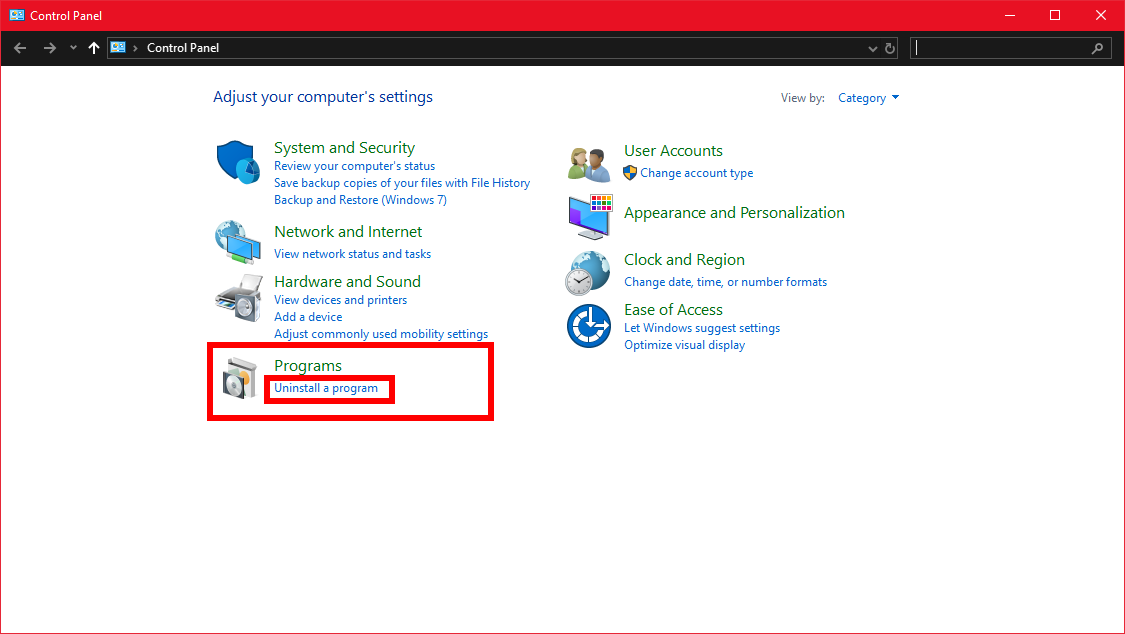
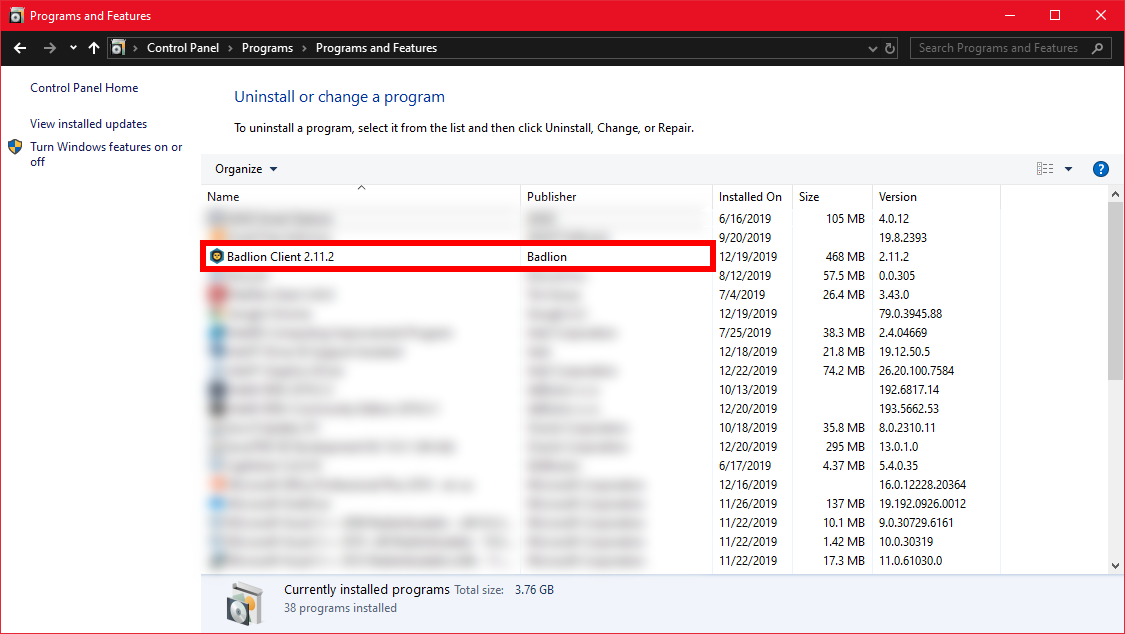
Once you have uninstalled it, download and install the latest version of the client.