
Posted on 30 March 2020 - 03:39 PM
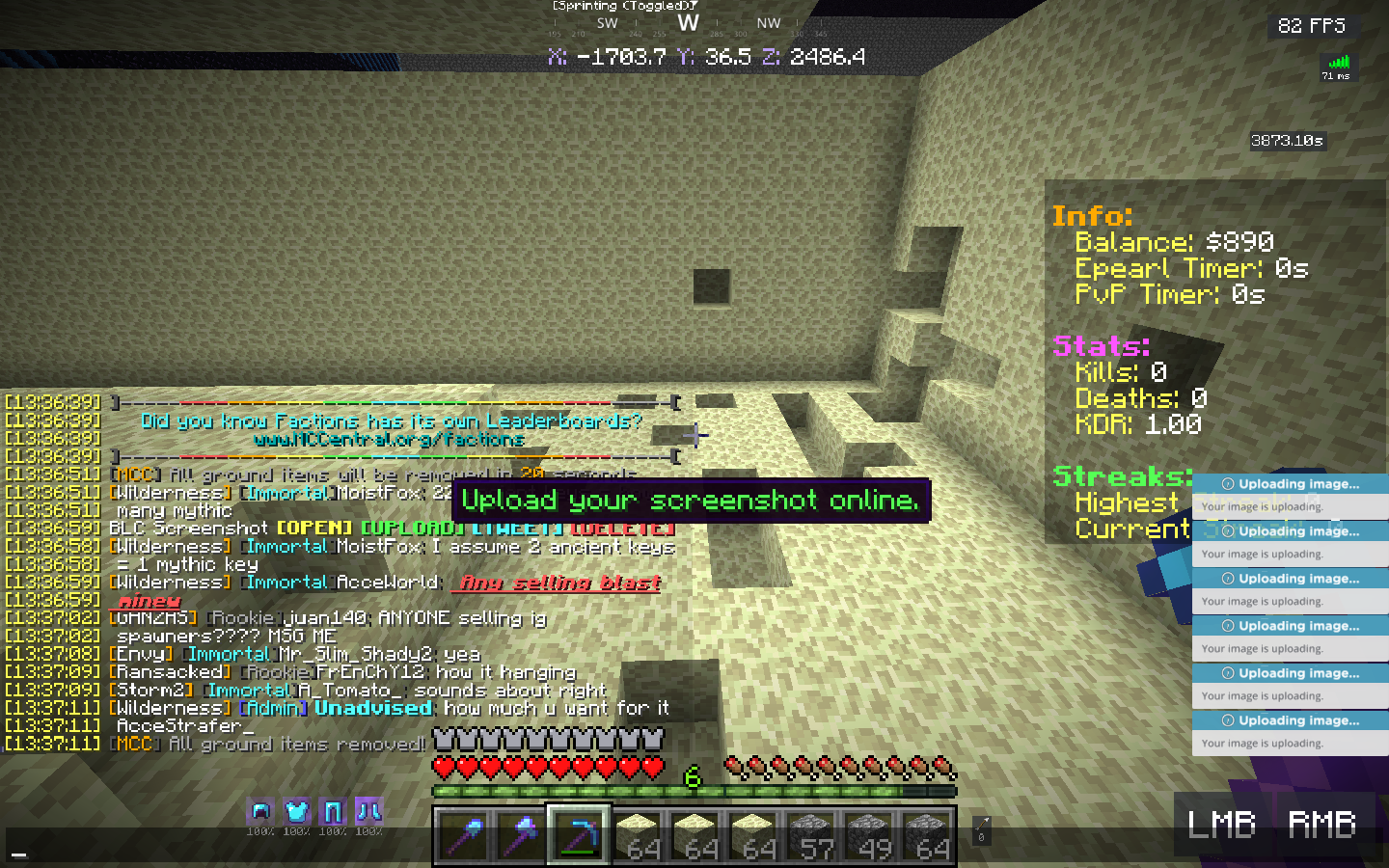
hi im not sure if this is the right place to be discussiing thias, but i've been using the [upload] feature recenrly and half the time it uploads and the other half it doesnt.. the ss i took is kinda me spam clicking and there still wasnt a link i had retaken that screenshot 4 times by that point. for the ss i have it took 2. i'm just confused if there's anything i'm not doing right or somethimg.https://i.badlion.net/zq6S7Bj7QrSGh5ADo5KgG9.png
Posted on 30 March 2020 - 03:47 PM
Hello,Take a screenshot, click on [UPLOAD] once (there is no need to spam-click it) and then wait for it to show the link in the chat. It might take some time for the screenshot to upload and the link to show up in the chat.
Posted on 31 March 2020 - 03:05 PM
no, i do that. and it doesn't work every time. that's what i was trying to sayPosted on 31 March 2020 - 08:18 PM
I would like to know on which Minecraft version this issue was/is happening.Posted on 01 April 2020 - 09:54 AM
both 1.12 and 1.8Posted on 01 April 2020 - 08:34 PM
Try uploading screenshots again and if it doesn't work, go to the launcher, scroll down and click on "Submit Bug Report" after having that issue (https://www.badlion.net/wiki/how-to-submit-bug-reports). It will send us your logs and the tech support team will look into the issue.Posted on 18 April 2020 - 01:47 PM
UnknownFact wrote
i did many many times. it still doesn’t work why i submitted this bug report smh my head
Posted on 18 April 2020 - 02:05 PM
Bugs don't fix themselves after you have submitted a bug report!If you submitted a bug report through the launcher, then wait for developers to diagnose and fix the issue!