
Subscribe
Blc Proxy Server's down?
Posted on 16 April 2020 - 07:41 AM
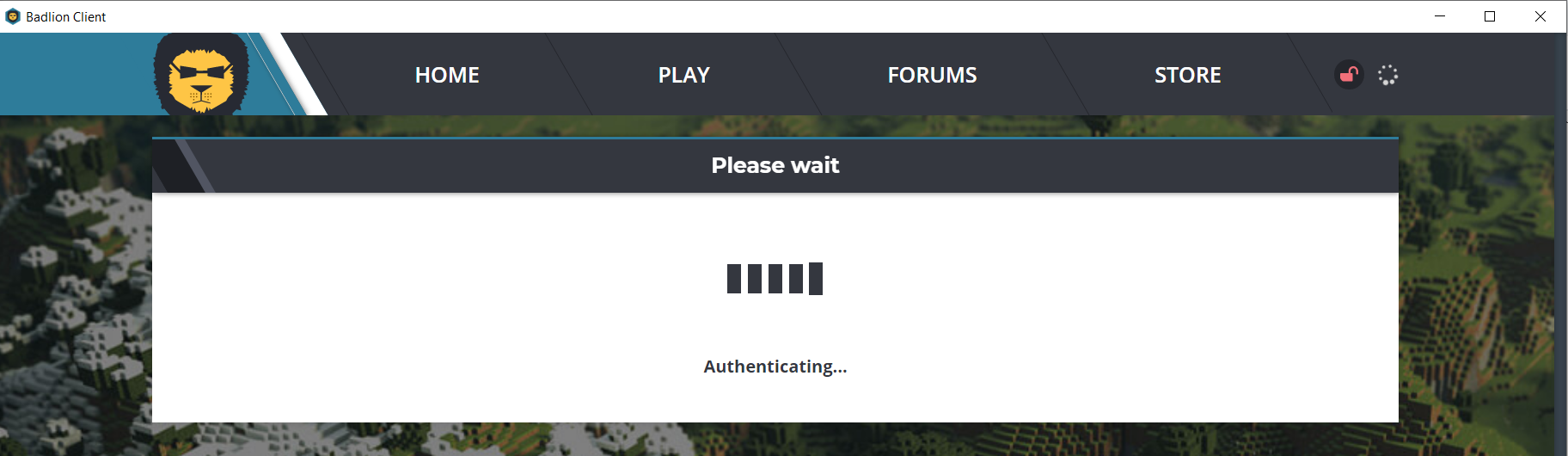
Posted on 16 April 2020 - 07:41 AM
Title Say's itPosted on 16 April 2020 - 03:23 PM
Hello,Make sure your firewall and antivirus are not blocking Badlion Client. Make sure to disable VPNs (if you use any).
• You can either disable your antivirus or whitelist Badlion Client if it has an option to do that. I don't know which antivirus software you are using, that why you might need to use Google to find more information about how to disable it or how to whitelist programs.
• If you want to disable Windows Defender firewall, do the following: Open Windows Control Panel. Click on "System and Security", then click on "Windows Defender Firewall". A new menu will pop up and on the left side there should be a button called "Turn Windows Defender firewall on or off". Select the option: "Turn off Windows Defender Firewall (Not recommended)" and click on "Ok" to save the settings.
After that, restart the Badlion Client launcher and see if it works.