
Posted on 11 September 2020 - 07:55 PM
Thanks for taking the time to read this! So, I've been using the BadLion client for a few days now, and I really love it! However, the chat font is VERY small (I'm playing in 1440p) to the point that I have to distract myself and squint at the box to read it. Old forum posts told me that you can't change the font size itself, and that I should disable the client's "chat" function and use minecraft's settings from there to change font size. The problem with this, is I've tried this, and for some reason, minecraft's chat settings won't change anything, even though I disabled badlion's chat. I'm just not sure what I'm doing wrong, and it's my only annoyance at all with the client. Any help and advice is MUCH appreciated!Posted on 12 September 2020 - 08:09 AM
That happened to me at first too if you want your Minecraft chat settings to effect your chat then go into badlion client settings using right shift and disable a feature called badlion chat and it should work. Hope this can help! :)Posted on 12 September 2020 - 08:45 PM
I'll give that a try and let you know! I appreciate you!Posted on 12 September 2020 - 08:48 PM
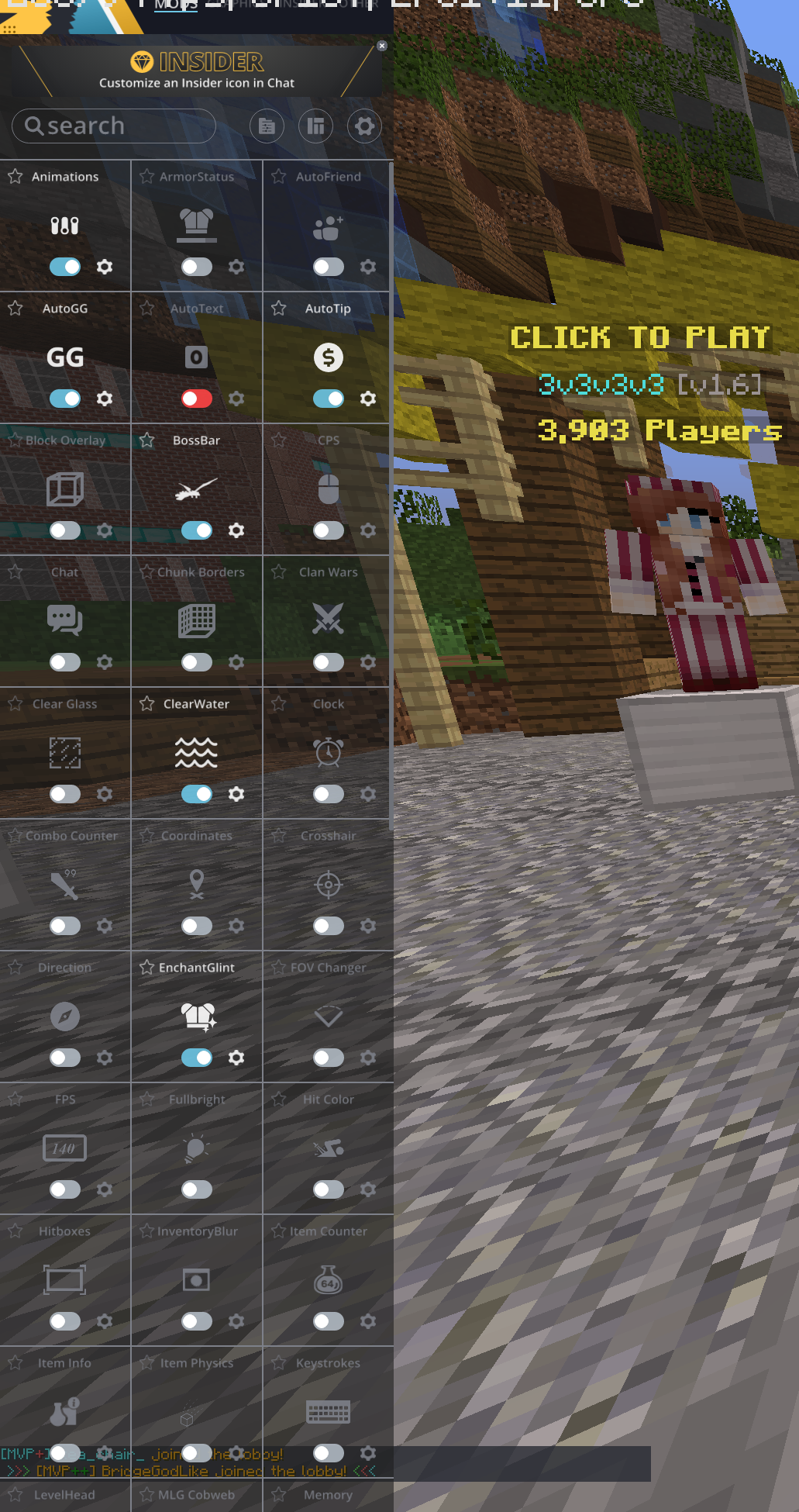
The chat is disabled here, but regular minecraft's chat settings do nothing, I'm so confused. I mess with the sliders, and nothing happens~
Last edited on 13 September 2020 - 10:10 AM by Quelili
No sorry I wasnt clear enough you have to go to those buttons up top and if you go through all of them then you will see the optionPosted on 16 September 2020 - 06:56 PM
I found it! Thank you so much! There were some statistics on my screen blocking those options, so I didn't even know they were there lol. Yay! :D You're the best, thankie!Posted on 17 September 2020 - 10:12 AM
No problem it was my pleasure to help you! :)