
Subscribe
Badlion Client Texture Packs corrupted?
Last edited on 29 October 2024 - 03:16 PM by Uffizi
So i noticed that a couple of my texture packs have bugs, like for example glitched textures or blurry items. After trying to deactive some mods and tweak some settings i hopped on Lunar to check if the problem was still there, but in my surprise all the "glitched" textures worked flawlessly. Right now i dont actually know what causes this, im gonna try to reinstall Badlion client altogheter and pray.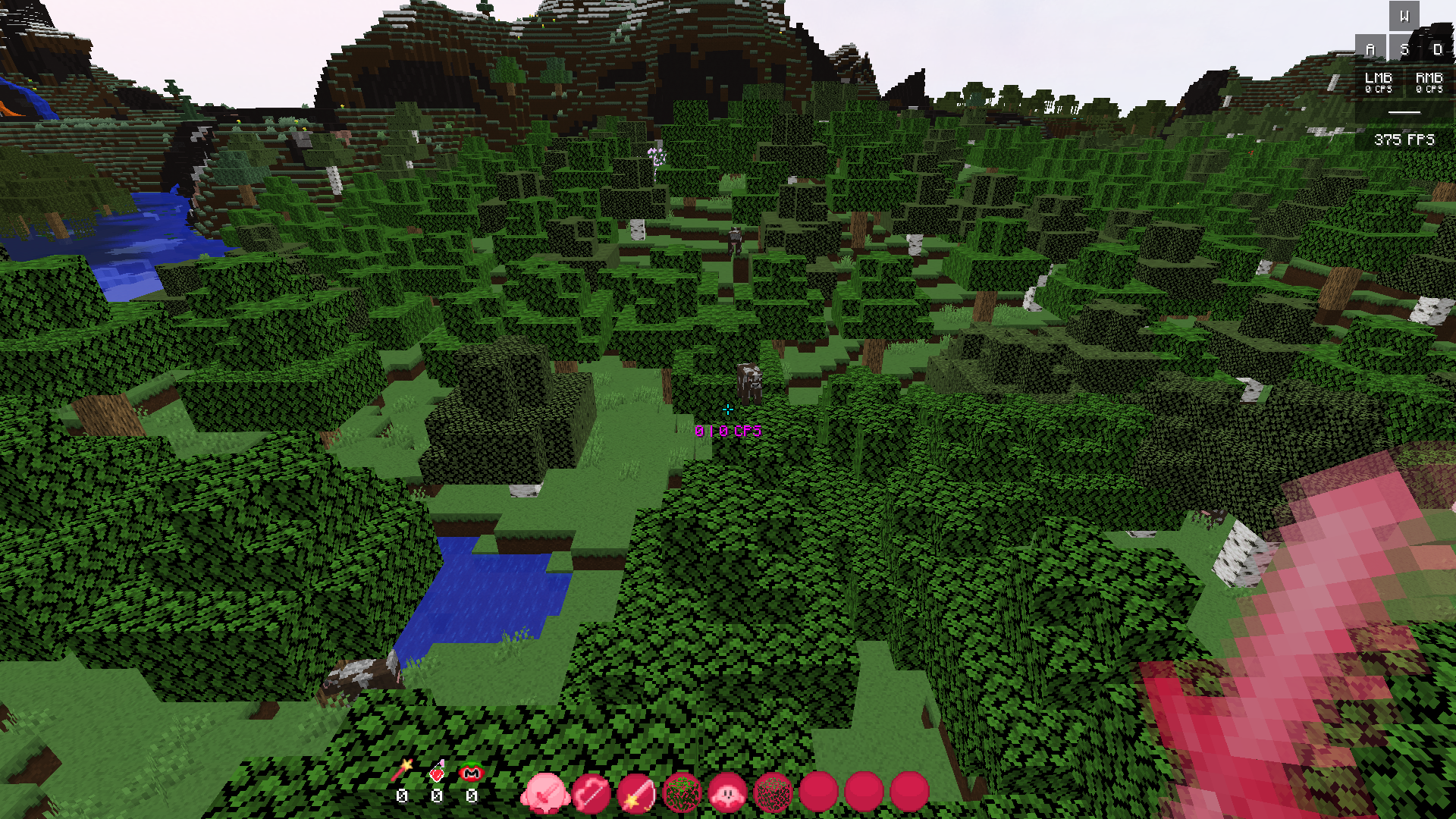 (blurry textures)
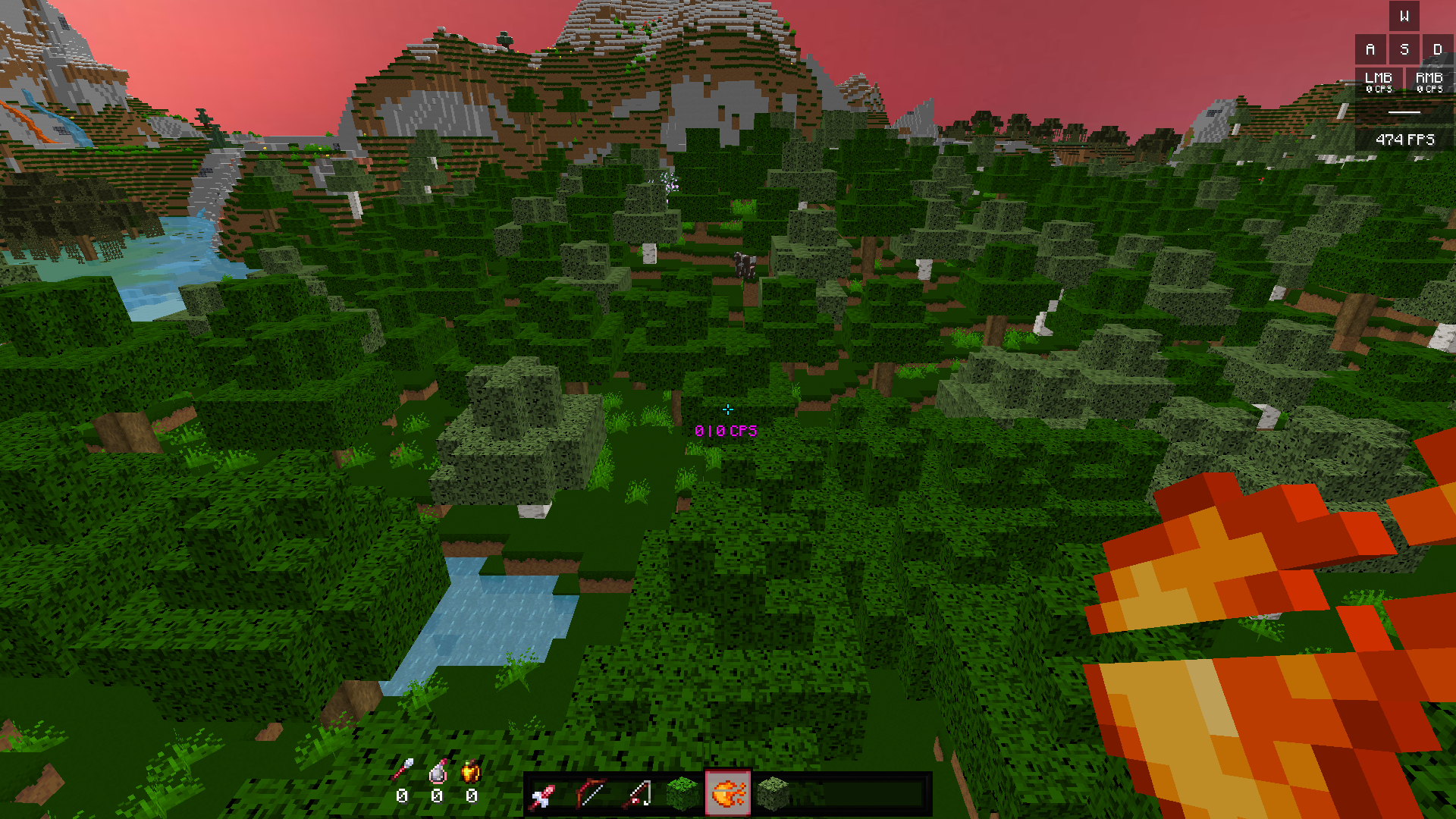 (Glitched textures)
(I already tried extracting the texture packs folders but the outcome was the same)
Posted on 31 October 2024 - 11:07 AM
Can you please disable Entity Fps Boost at Esc > Blc Options > BetterframesPosted on 31 October 2024 - 03:18 PM
Disabled it, but it still has the same problem.Posted on 31 October 2024 - 11:43 PM
Have you tried to disable motion blur?It looks like your items are blurred and may have been caused by that
Posted on 01 November 2024 - 12:48 PM
Tried disabling it and reloading the texture packs but still didnt change anything.Posted on 01 November 2024 - 01:06 PM
I may have found the issue. After searching for an answer, I came across a post on Reddit that mentioned how, with OptiFine enabled and the mipmap level set to 4, any texture whose resolution isn't a power of two (like 1x, 2x, 4x, 8x, 16x, 32x, etc.) gets stretched to fit those ratios. Following this advice, I tried setting the mipmap level to 0 while keeping OptiFine on, and all the blurry and bugged textures returned to normal.Thanks for the help, regardless!
Thread is locked