
Posted on 01 April 2020 - 08:30 PM
I know what your thinking UnknownFact, your gonna copy paste that same thing lasttime to this time BUT I did everything u said lasttime. I Did not infact "go backward" on the timeline therefore this is a bug. I swear if I see the same answer imma be madLast edited on 01 April 2020 - 09:08 PM by UnknownFact
Hello,Send me the replay file again. I will load it into the original Replay Mod again. If it's going to show the same red error line on the keyframe timeline, then you are not adding keyframes correctly. There is no way that the original Replay Mod would show that red error line for no reason.
Last time you sent me the replay file it clearly showed that keyframes were not added correctly on Forge which proved that it was not a bug on Badlion Client. Here's the evidence: https://www.badlion.net/forum/thread/245062/post/1286619#1286619
Posted on 01 April 2020 - 09:22 PM
Ok, I watched the video for replay mod like 4 times and I did everything correctly. here is the link:http://www.mediafire.com/file/hqwa6eqzup8nqlg/2020-04-01_16.25.38.mcpr/file Also, I have been deleting the time + movement keyframes and then redo the keyframes. If I sill dont know how this is happening or STILL happening, then I would like to know your discord so I can fix this problem easierLast edited on 02 April 2020 - 07:42 AM by UnknownFact
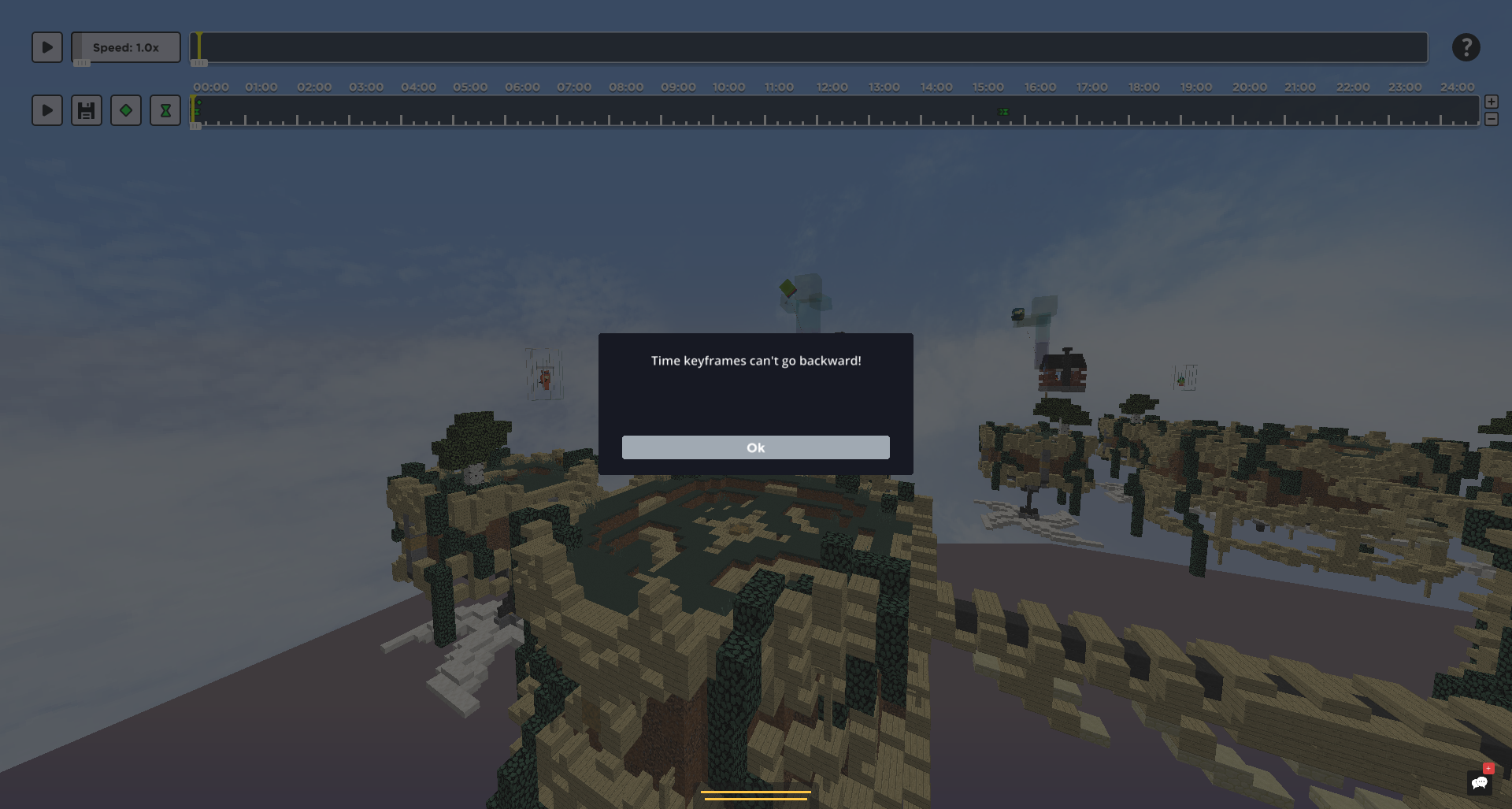
Both Badlion Client and Forge ReplayMod (by the way, both are not developed by the same developer) show the same error. It would be an issue with Badlion Client if Forge wouldn't have shown any errors.Badlion Client:
Forge:
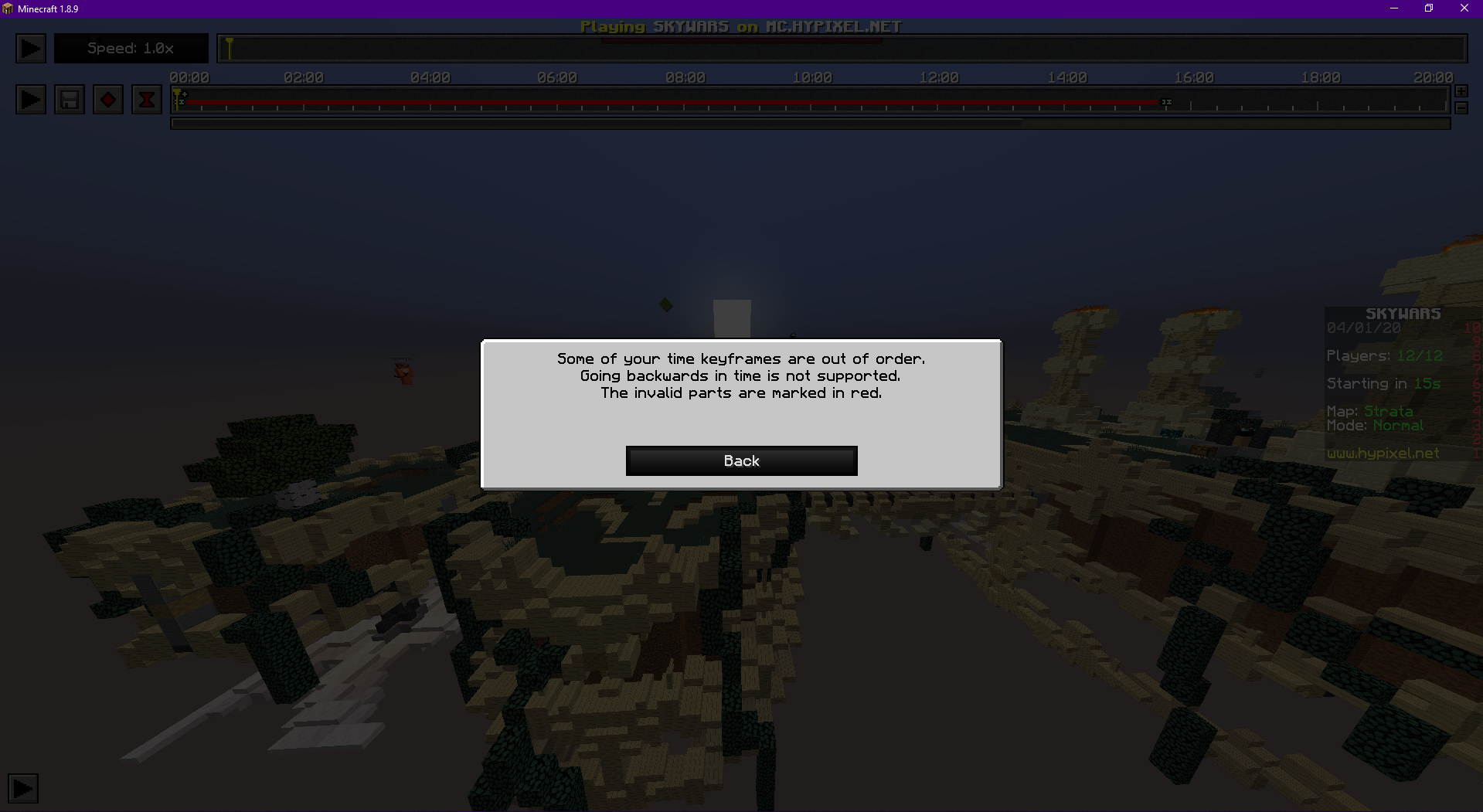
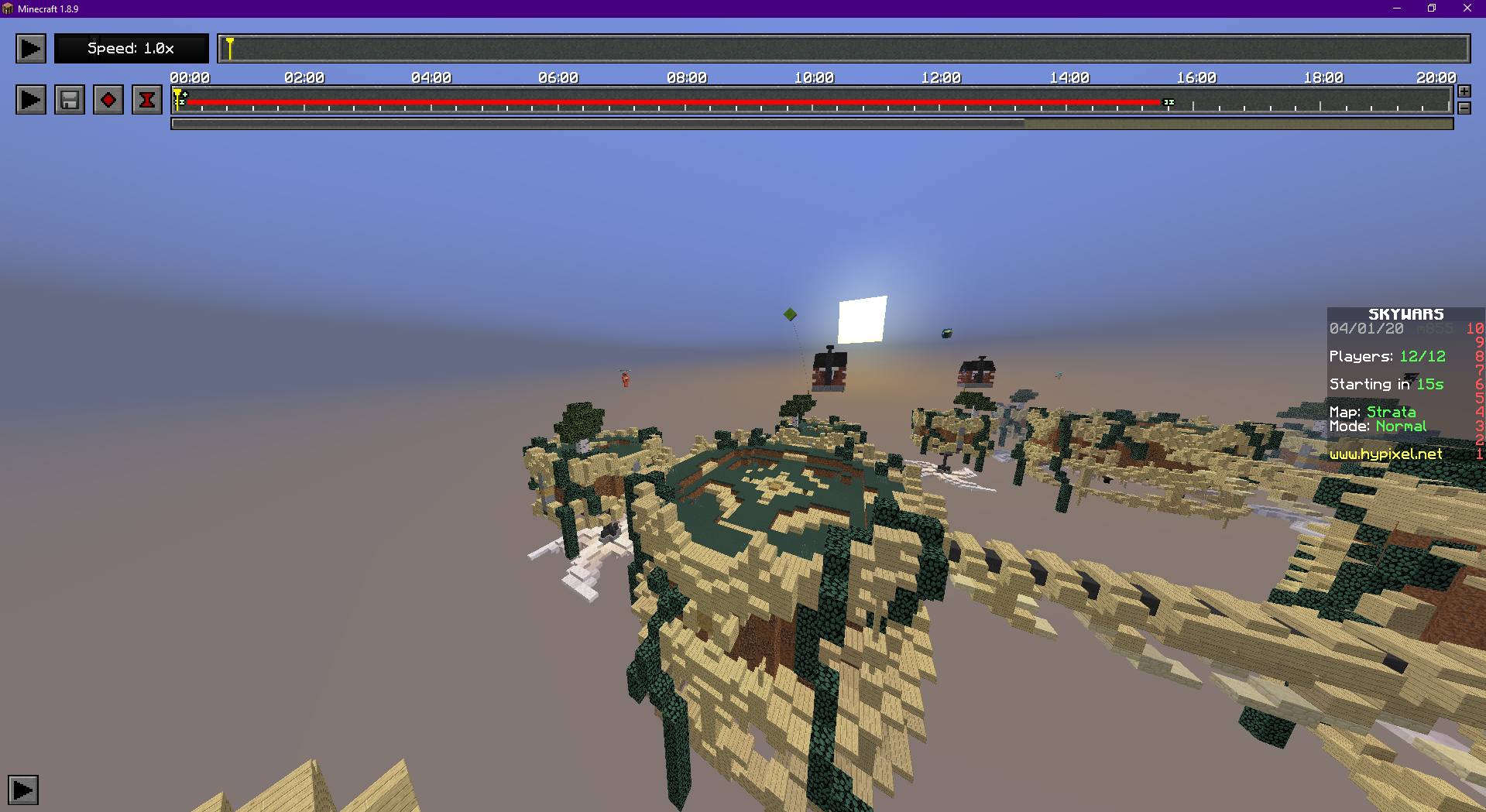
Here is your replay file with no keyframes.
If you are not convinced by those screenshots and still believe there is something wrong with Badlion Client, feel free to submit a bug report after trying to render your video. It will send us your logs. Logs will show if there is anything wrong. You can submit a bug report by clicking on "Submit Bug Report" at the bottom of the launcher (https://www.badlion.net/wiki/how-to-submit-bug-reports).
Posted on 02 April 2020 - 03:40 PM
Well I have had this problem on multiple clips, and i did the same thing for each of them, (which is deleting all keyframes then adding new ones) and NOTHING worked. guess i'm submitting a bug report! seeya therePosted on 02 April 2020 - 03:55 PM
Well I have had this problem on multiple clips, and i did the same thing for each of them, (which is deleting all keyframes then adding new ones) and NOTHING worked. guess i'm submitting a bug report! seeya thereLast edited on 02 April 2020 - 05:13 PM by _3ric_
I've tested with extremely obvious situations. I've made a keyframe at the way start of both timelines, and I know for a fact I've never gone back. My second keyframe ended at the end of both timelines. Yet, I still receive the output, "Time Keyframes Can't Go backwards". I hope you guys can review this quickly as I'm finish up an urgent project. This is really getting on my nerves, so if I could receive help that would be fantastic.Edit: Nevermind, one of my tests succeeded, but I still would like to know any possibilities on why that happened.
Second edit: Actually, it still doesn't work, and I'm actually getting frustrated. Please help.
Last edited on 02 April 2020 - 10:42 PM by _3ric_
I figured out what's wrong. I think one of my time key frames is invisible, so it's also calculating that. My key bind, C, for clearing all key frames isn't working either. This might sound insane, but it's the best guess I can make. You can visit my new thread for that bug if it's the same with you (we don't have a solution yet though).Posted on 02 April 2020 - 11:29 PM
I can't check your bug reports. Only the tech support team/developers/admins can do it.Could both of you please provide download links of all your replay files that have issues in your bug report threads (not in this one, but in the ones that can be found here https://www.badlion.net/forum/category/108)?